Before
QUARTERLY SERVICE AGREEMENT
Scope of work
delivery scheduel
PDF editor for Windows
Carl's Creations puts text editing, image replacement, annotation, and form completion on your Windows desktop. Work directly inside the document and keep every page in view.
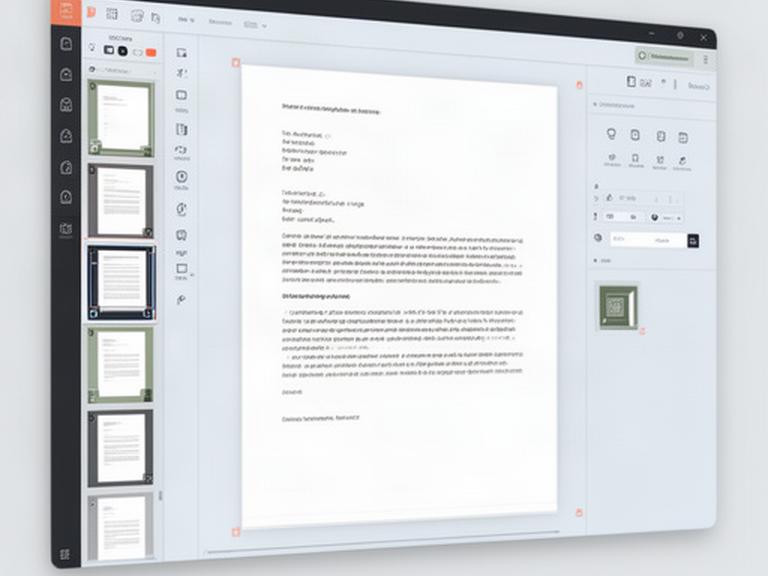
Text editing
Fix a typo in a contract, update a report heading, or adjust a proposal paragraph while the page structure stays visible.
delivery scheduel
delivery schedule
Text blocks keep their fonts, spacing, and column position. Smart text flow and auto-sizing handle the awkward parts as you revise.
Image controls
Update a logo, change a product shot, or correct a scanned page without rebuilding the surrounding document.
Click the picture on the page to reveal size, position, crop, and alignment controls.
Keep the image frame and page placement while selecting an updated file from your desktop.
Resize or crop the new image, then check the page at a useful reading scale.
Markup and review
Mark a blueprint, review a manual, or leave clear feedback on a proposal. Every tool stays close to the page.
Confirm clearance beside the east entrance before the next site review. Add measurements directly beside the marked area.
Check 2.4 m clearance REVISEDForms and signatures
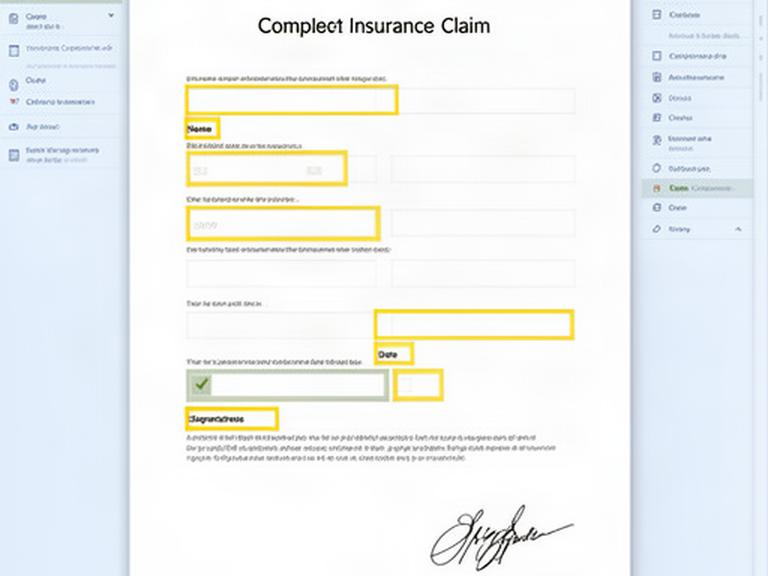
Intelligent field detection finds the places that need an answer. Move through the form with a clear tab order and keep the completed file ready for review.
Page management
Assemble quarterly reports, remove blank pages, rotate scans, and apply consistent headers, footers, watermarks, and page numbers.
Carl's Creations | Internal review | Page 2
Uniform page details make a mixed report easier to check, share, and archive.
Built around real work
One Windows document editor can handle the small corrections and the finished report assembly your team deals with every week.
Correct clauses, flag terms, and add review notes for legal teams.
Combine submissions, add page numbers, and remove blank scans.
Fill applications and claims with fields easy to check before return.
Replace diagrams, mark revisions, and keep operating documents current.
See how Carl's Creations handles text, images, forms, annotations, and page cleanup in one Windows workspace.